⭐⭐⭐⭐⭐ BEST SELLER
All-in-One Employee Task Monitoring System - Google Sheets Web App
All-in-One Employee Task Monitoring System - Google Sheets Web App
Couldn't load pickup availability
Simplify task management and keep your team organized in one powerful system.
The Employee Task Monitoring System is a professional Google Sheets + Apps Script web app designed to help businesses assign tasks, monitor progress, track deadlines, and manage employee workloads with ease.
With separate Admin and Employee accounts, an interactive dashboard, task calendar, automated due-status tracking, reports, and email follow-ups, you can manage your team more efficiently—without complicated software.
Simple to set up. Easy to use. Built for better productivity.
View Demo
Want to see how the system works before purchasing? Access our live demo and explore the features yourself.
Username: demo@gmail.com
Password: 12345678
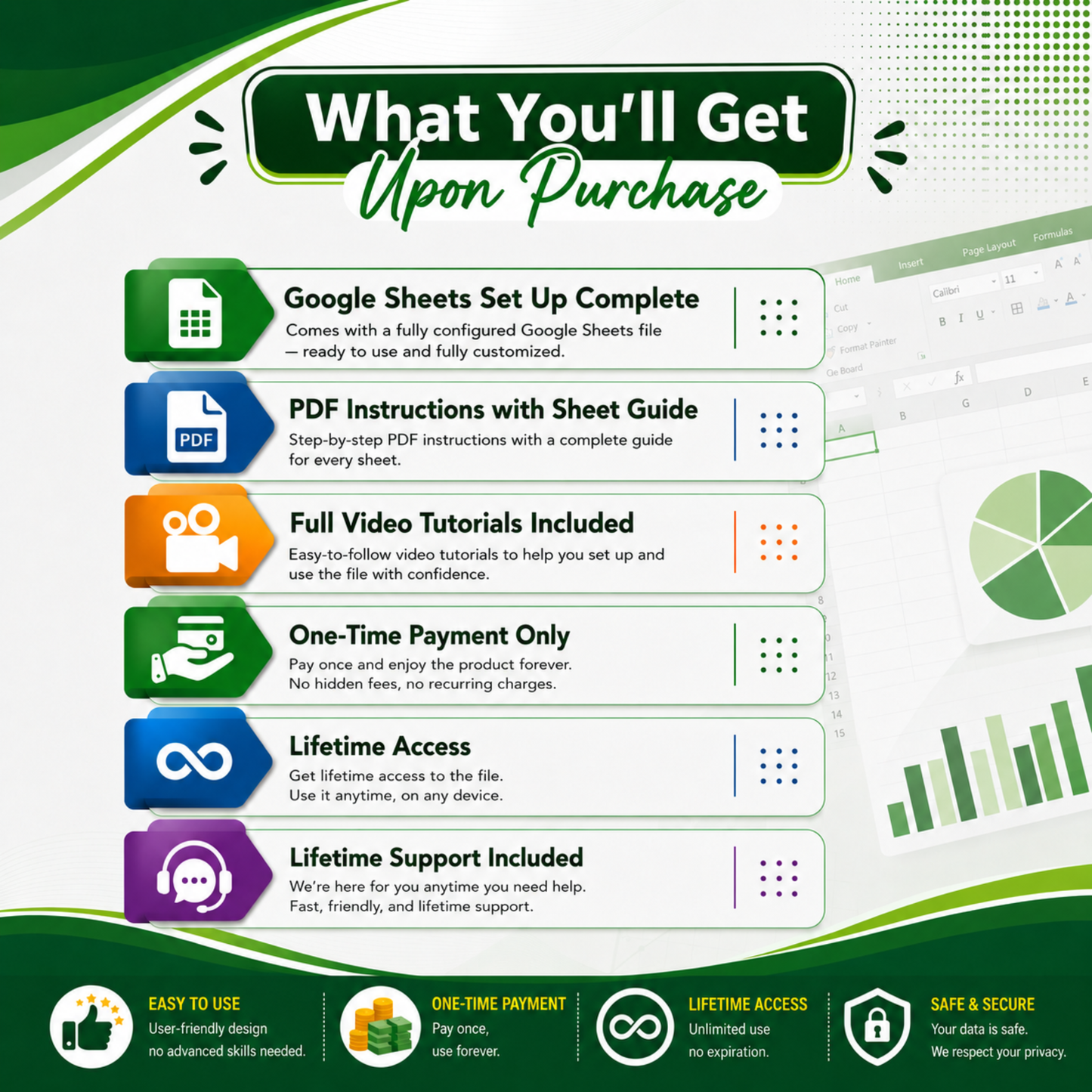
What You'll Get
- Fully Functional Task Monitoring Web App. A ready-to-use system powered by Google Sheets and Google Apps Script.
- Admin & Employee Accounts. Manage different levels of access while keeping your data organized and secure.
- Google Sheets Database. Easily access and manage your task and user data from Google Sheets.
- Professional Dashboard. Get a clear overview of tasks, priorities, deadlines, and team progress.
- Customizable Company Branding. Add your company logo, company name, system name, tagline, and colors.
- Lifetime Access. Use your copy of the system without recurring software subscription fees.
Key Features
- Interactive Dashboard. See total, active, completed, overdue, upcoming, and newly added tasks at a glance.
- Smart Task Assignment. Create tasks and assign them to one or multiple employees.
- All Tasks & My Tasks. View company-wide tasks while giving employees a dedicated view of their own assignments.
- Role-Based Access. Administrators have full system control, while employee permissions are carefully managed.
- Controlled Status Updates. Employees can update the status only of tasks assigned to them.
- Priority & Status Tracking. Use color-coded priorities and statuses for faster and easier monitoring.
- Automatic Due Status. Quickly identify overdue, due today, upcoming, and completed tasks.
- Task Calendar. View scheduled tasks and deadlines in an organized calendar.
- Reports & Analytics. Analyze task status, priorities, employee workload, completion rates, and overall progress.
- Email Follow-Up. Send follow-up notifications to employees directly from the system.
- Employee Profile Photos. Upload user photos for easier employee identification throughout the system.
- User Management. Create and manage employee accounts, roles, login credentials, and account status.
- Search & Advanced Filters. Quickly find tasks by keyword, employee, status, priority, and date.
- Custom Company Branding. Personalize the system with your own logo, company details, and brand colors.
Compatibility
Platform: Google Sheets + Google Apps Script
Access: Web Browser
Devices: Desktop, Laptop & supported mobile browsers
Browsers: Google Chrome, Microsoft Edge, Safari & other modern browsers
Account Required: Google Account
Internet Connection: Required
Database: Google Sheets
Installation: No traditional software installation required
Perfect For
Small businesses, growing teams, supervisors, managers, HR and administrative teams, project coordinators, and organizations looking for a simple and affordable way to manage employee tasks without paying for complex task-management software.
Assign. Track. Monitor. Follow Up. Get Things Done.
See How it Works
🛒 How to Purchase
🛒 How to Purchase
- Click the Buy It Now button.
- Enter your email address (your download files will be sent here).
- Fill in your billing information.
- Click Pay Now.
- Select your preferred payment method.
- Complete your payment.
- Once your payment is confirmed, you'll receive instant access to your download files and setup instructions.
📥 How to Access Your Files
📥 How to Access Your Files
After completing your purchase, you'll receive instant access to download your files. Simply open the included PDF and follow the provided links to access your template and video tutorial.
🔄 Future Updates
🔄 Future Updates
If this product receives improvements or bug fixes in the future, updated files may be made available at no additional cost.
💬 Customer Support
💬 Customer Support
Need help? We're here to assist you! If you have any questions, need help with setup, or encounter any issues, don't hesitate to contact us.
📧 Email: hello@marcusandreno.com
We aim to respond as quickly as possible to ensure you have the best experience with your purchase.
Share